
TLDR:
MCP, or “Model Context Protocol”, lets an AI agent plug into outside tools and data, while a skill is a simple text file that teaches it how to do something well.
Both started at Anthropic and are now open standards used by OpenAI, Google, Microsoft and more, with thousands of MCPs and over a million skills available.
Below you’ll see how to build a skill for a YieldSeeker agent, publish it on GitHub without writing any code, and have Grok Bot use it.
Skills and connectors are also a new way to get hacked, with hundreds of malicious skills found stealing crypto wallet keys this year, so be careful.
One aspect of AI development that’s grown is the creation of MCPs and Skills, which are two separate but intertwined concepts. MCPs essentially allow an AI to access and use some software in an easy way, while Skills map some behaviour related to a group of softwares. So today I decided to cover both of them and their relationship.
If this post resonates with you and you enjoy the content then please share it with a friend and get rewarded for doing so!

This blog goes out weekly to over 20,000 subscribers. Please message me if you’re interested in sponsorships or partnerships.
MCPs
Every time you start a new chat, your AI begins from scratch, knowing nothing about the tools you use or how you like things done, so you end up typing the same instructions over and over again.
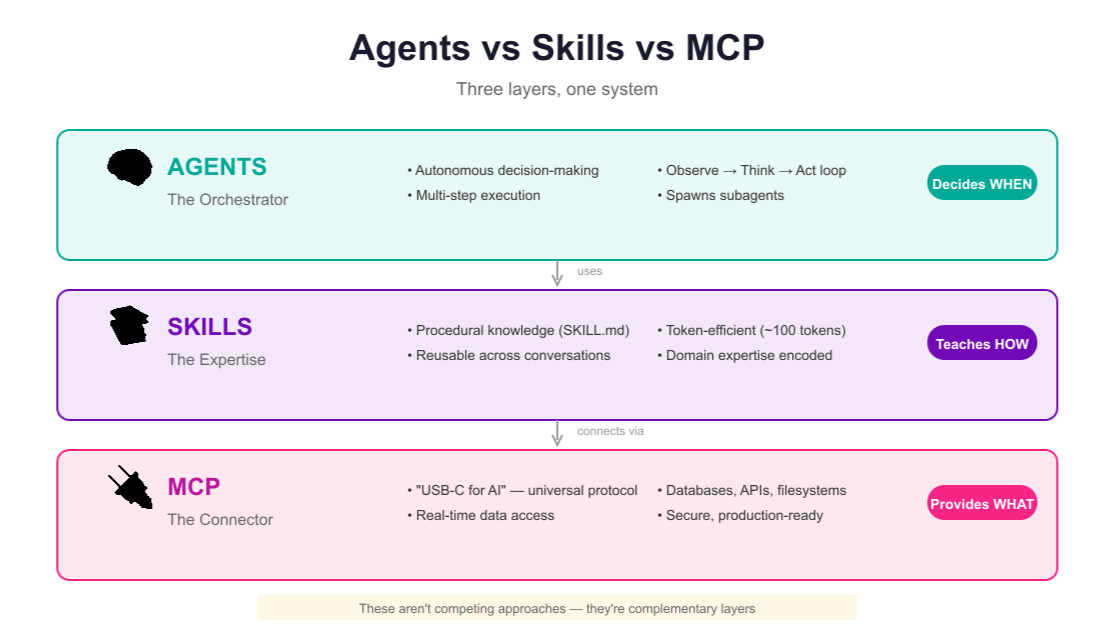
MCPs and skills are the two standard fixes for this, one for each half of the problem. As a rule of thumb, an MCP gives an AI agent access to new tools, and a skill gives it the know-how to use them well.
MCP stands for “Model Context Protocol”, and is a standard way for an AI agent to connect to an outside tool or source of data, such as your calendar, a crypto exchange or a company database. Think of it as a universal plug for AI, so that any agent can connect to any tool that has an MCP.
Anthropic, the company behind Claude, launched MCP in November 2024. In December 2025 it handed it over to the Agentic AI Foundation, part of the Linux Foundation, which was co-founded by Anthropic, OpenAI and Block, Jack Dorsey’s payments company, with support from Google, Microsoft and AWS.
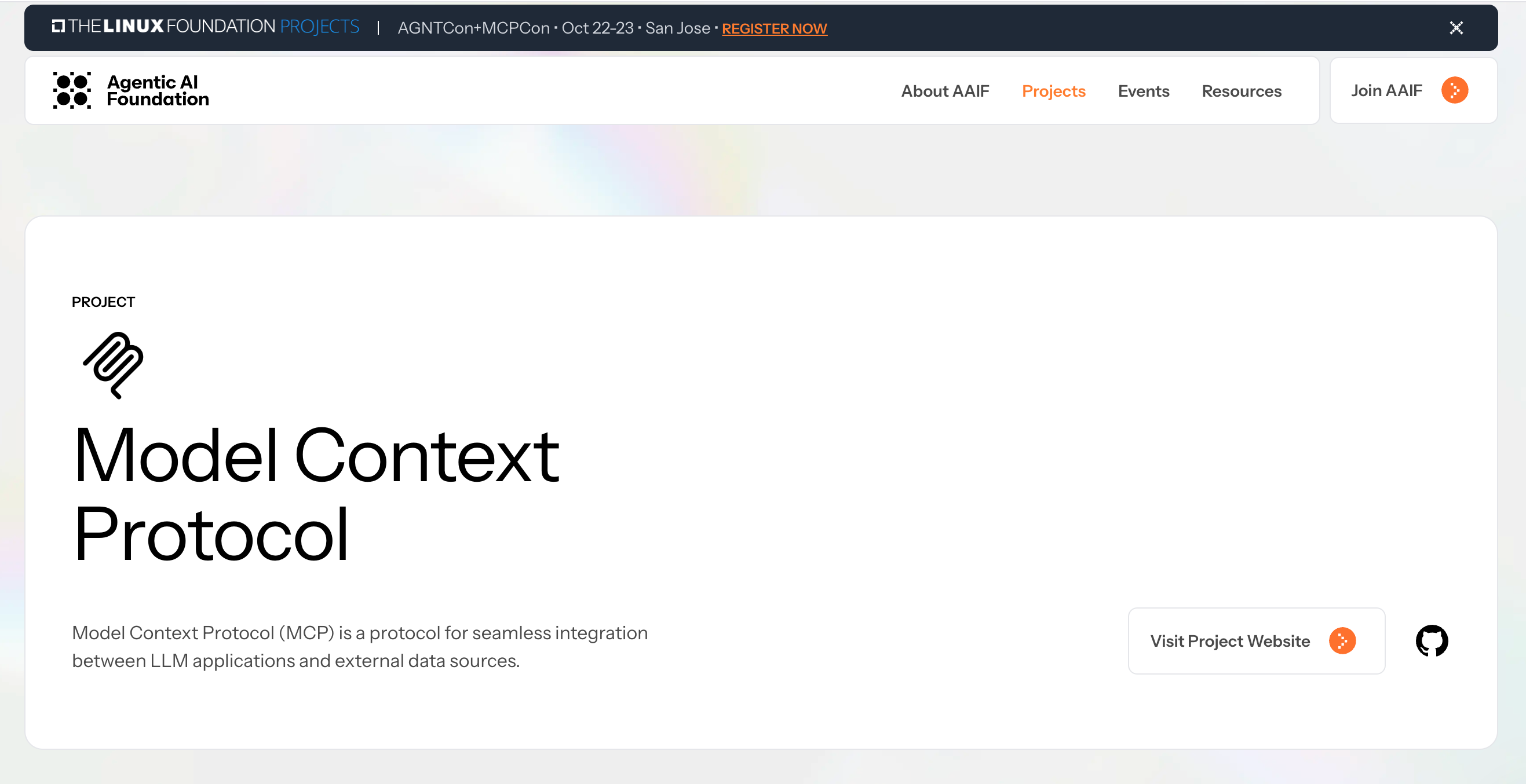
There are now more than 17,000 MCP servers that agents can connect to!
I’ve actually covered an example of using an MCP before in my x402 post where my Grok Bot connected to Coinbase through Coinbase’s MCP, which is what let it see and use a wallet in the first place.

Skills
A skill is a folder containing a text file called SKILL.md, which holds the instructions for doing one particular job. The folder can also hold some extra files, like reference documents, templates or small scripts the agent can run, which means a skill can give an agent new abilities on its own too.
At the top of SKILL.md sits a short description that tells the agent when the skill should be used. The agent reads that short description up front, and only loads the full instructions when the skill is actually needed. So you can install dozens of skills without cluttering your agent’s memory or slowing it down.
Anthropic introduced skills in October 2025 and opened them up as a public standard. Within weeks OpenAI, Microsoft, Google’s Gemini CLI, Cursor and plenty of others had adopted them.
The open skills directory run by skillmd.com, now lists over 1 million skills!
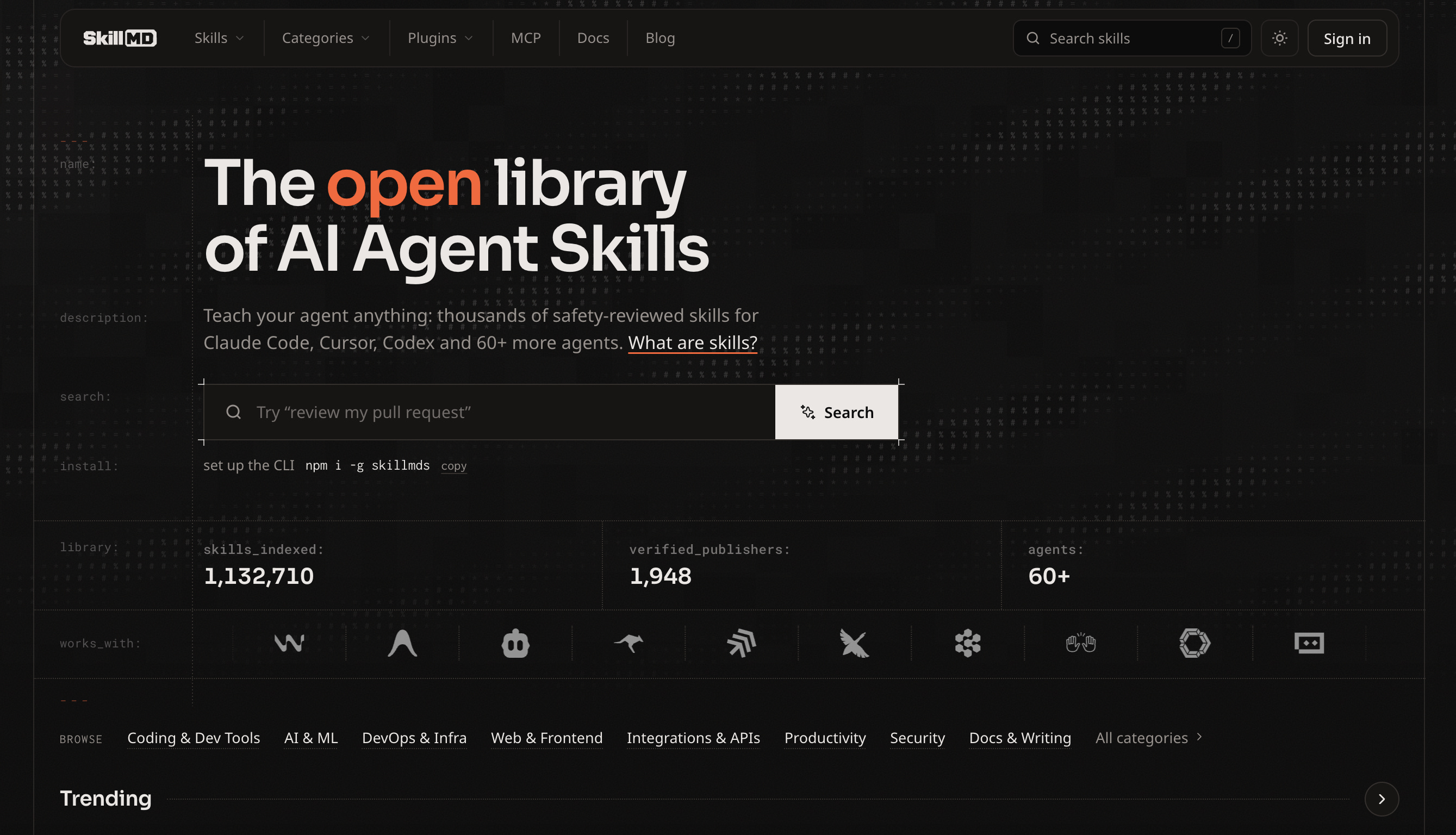
Skills spread even faster than MCP because at its simplest a skill is just a file. There's no server to keep running, so any agent can support them in an afternoon, and anyone can write one.
How They Work Together
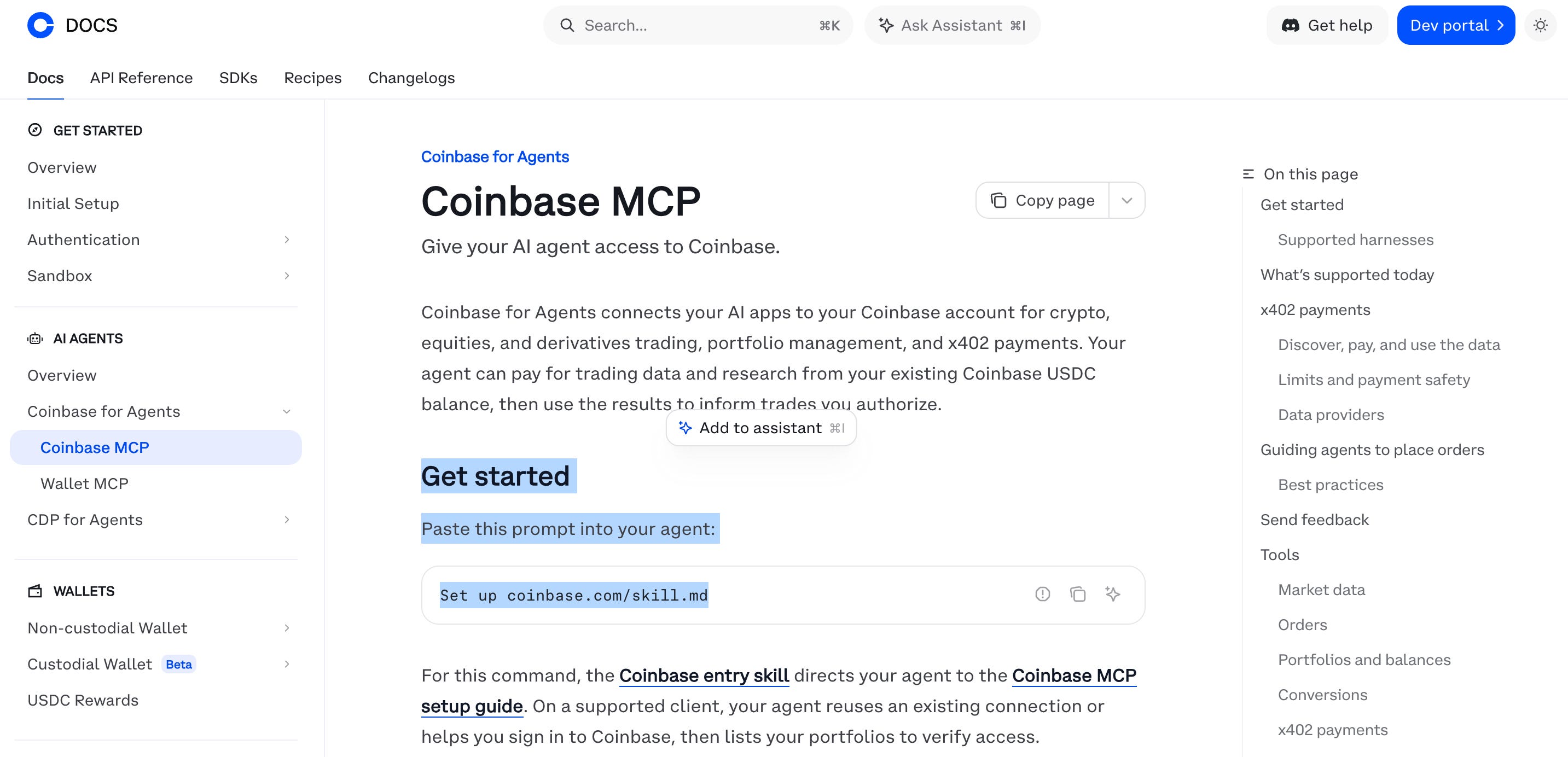
Coinbase’s setup instruction for AI agents is literally “Set up coinbase.com/skill.md”, a skill whose job is to teach the agent how to install and use Coinbase’s MCP!
In this case the MCP is the ability, and the skill is the instruction manual.
Skills are often shared as GitHub repositories that agents can install directly, which is exactly how Grok Bot installed Coinbase’s wallet skill in the x402 post I mentioned above.
The code behind most MCPs sits on GitHub too, but an MCP that other people connect to over the internet also needs to be running somewhere around the clock. Hosting services like Cloudflare take care of that, and can update the live MCP automatically every time the code on GitHub changes.
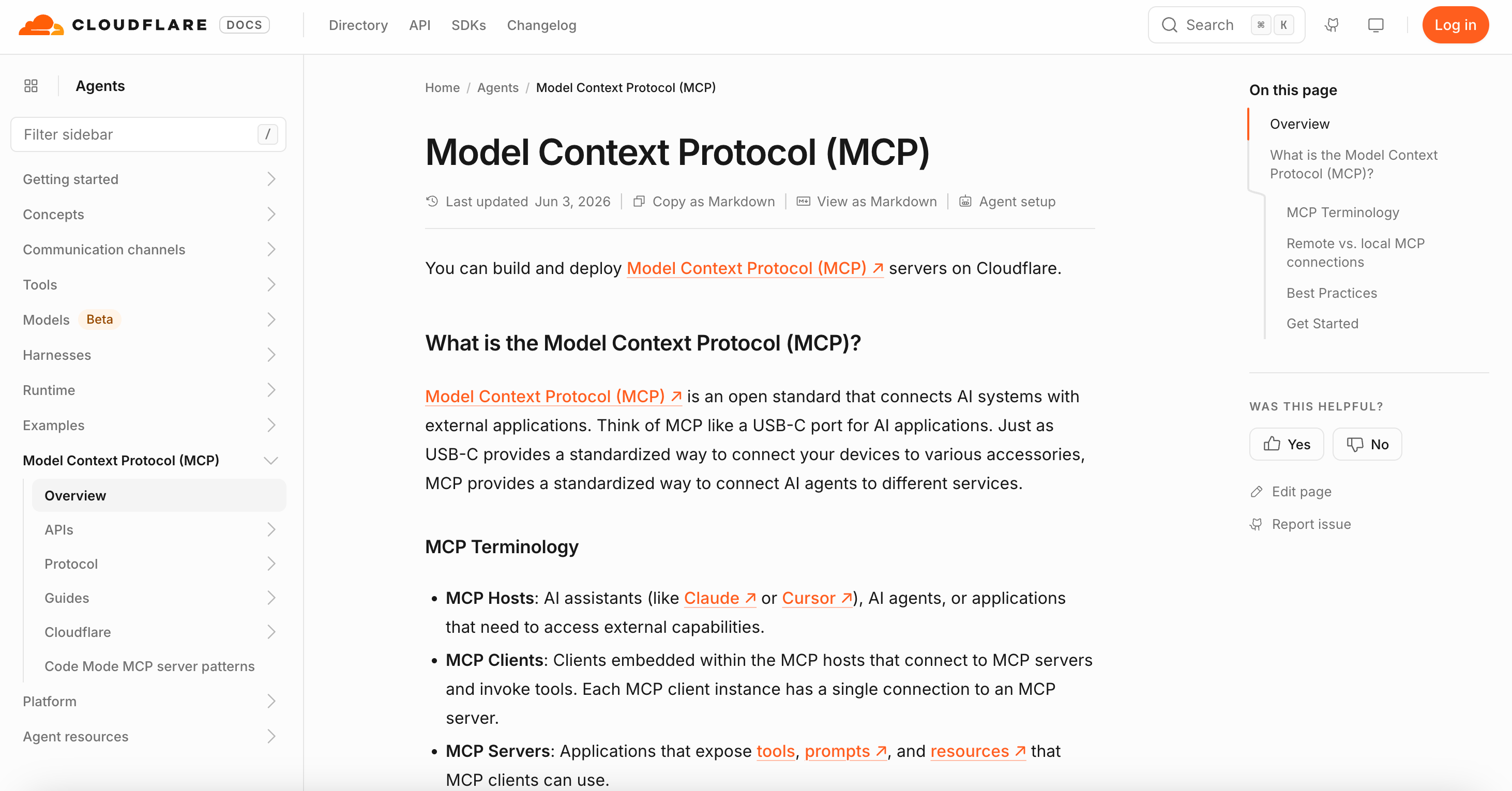
Put the two together and you can bundle a set of skills behind your own MCP, so anyone can use them in whatever AI they use. There is code involved in a setup like this, but tools like Claude Code can do it all for you so you don’t need to write any of the code yourself.
An agent doesn’t always need an MCP though. Agents that can make web requests by themselves, like Grok Bot, Hermes, OpenClaw or Claude Code, can use a normal API with nothing more than a skill explaining how to use the API - an API being the standard way a website lets software talk to it.
MCPs still have advantages even then though. They can let you sign in to a service without handing the agent a password or key, they give it clearly defined actions so it’s less likely to make mistakes, and they’re how chat apps that can’t make web requests on their own, like Claude or ChatGPT on your phone, reach outside tools.
YieldSeeker is my own AI project, it provides users with agents that automatically find and manage the best yield opportunities across lending protocols for you. It already has an API, so a skill on its own is enough to connect it to an AI.
Creating and Using a Skill
YieldSeeker’s API already lets an outside AI do quite a lot with your agent:
Read your agent’s balances, positions, activity and performance.
Create YieldSeeker agents and update their names and investment profiles.
Save and update the agent’s memories.
Request a run, or a withdrawal from a vault back into your Agent Wallet.
What it can’t do is send money to any outside wallet, including yours. Withdrawals out of the Agent Wallet always need you to sign them yourself. This is all explained in the YieldSeeker API docs.
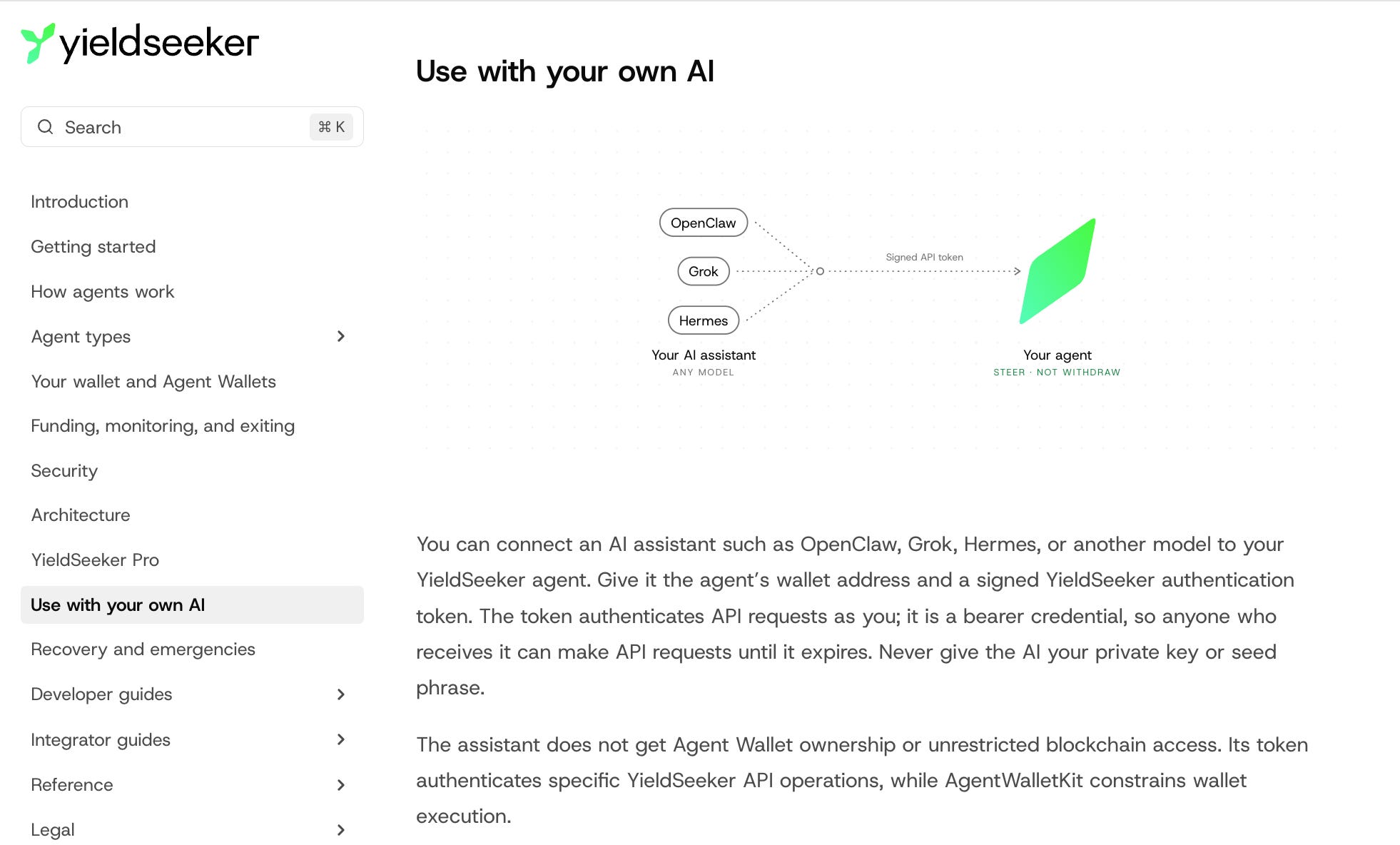
Here’s how I set it up:
(1) First I asked my Claude AI to write the skill for me from YieldSeeker’s docs. It explains which parts of the API to use, along with some guardrails, like never asking for a seed phrase and always confirming before taking an action.
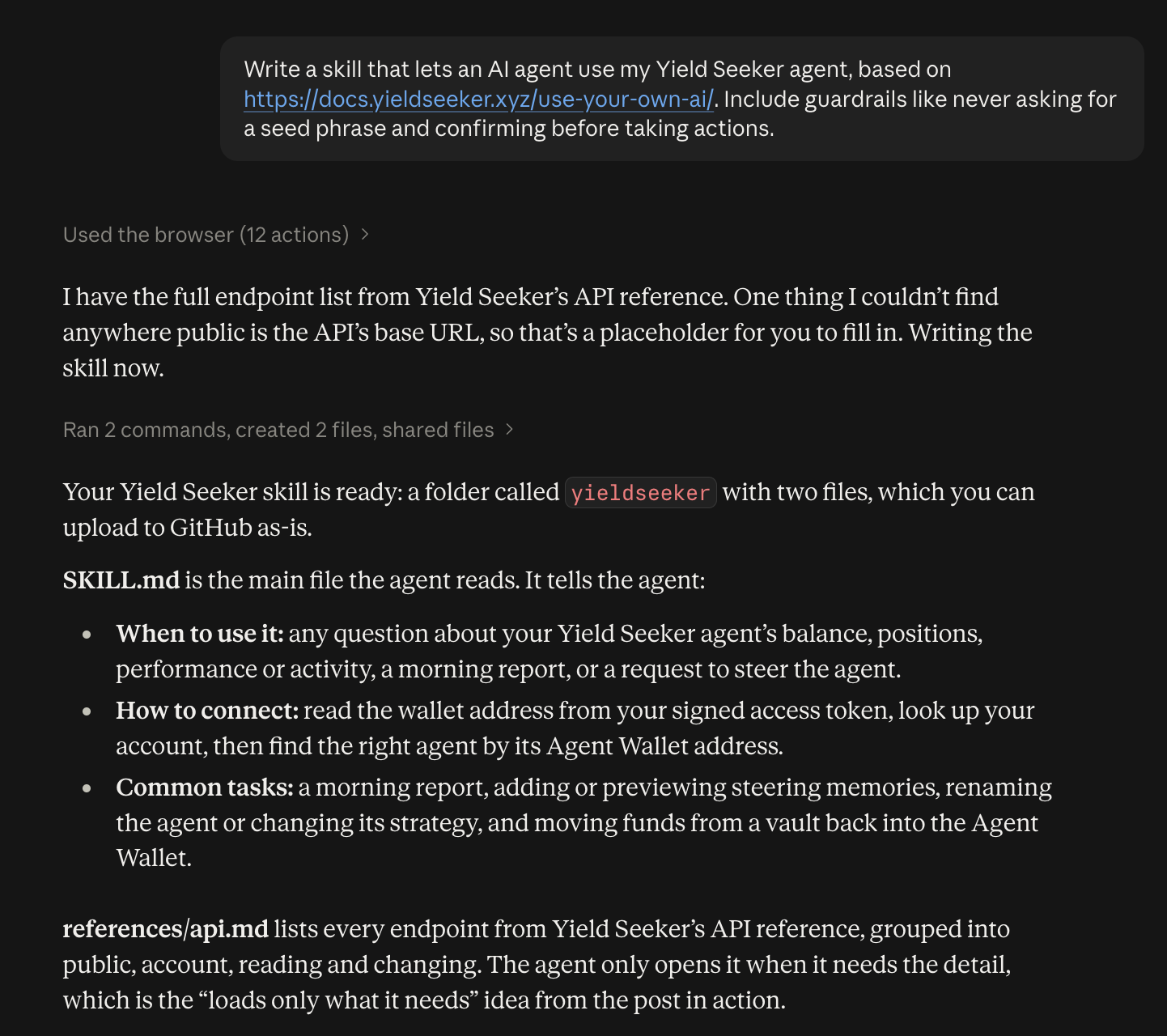
(2) Then I published the Skill on GitHub by creating a new repository and uploading the skill folder! My Claude AI has GitHub access so I just prompted it to do this, and it did it all itself.
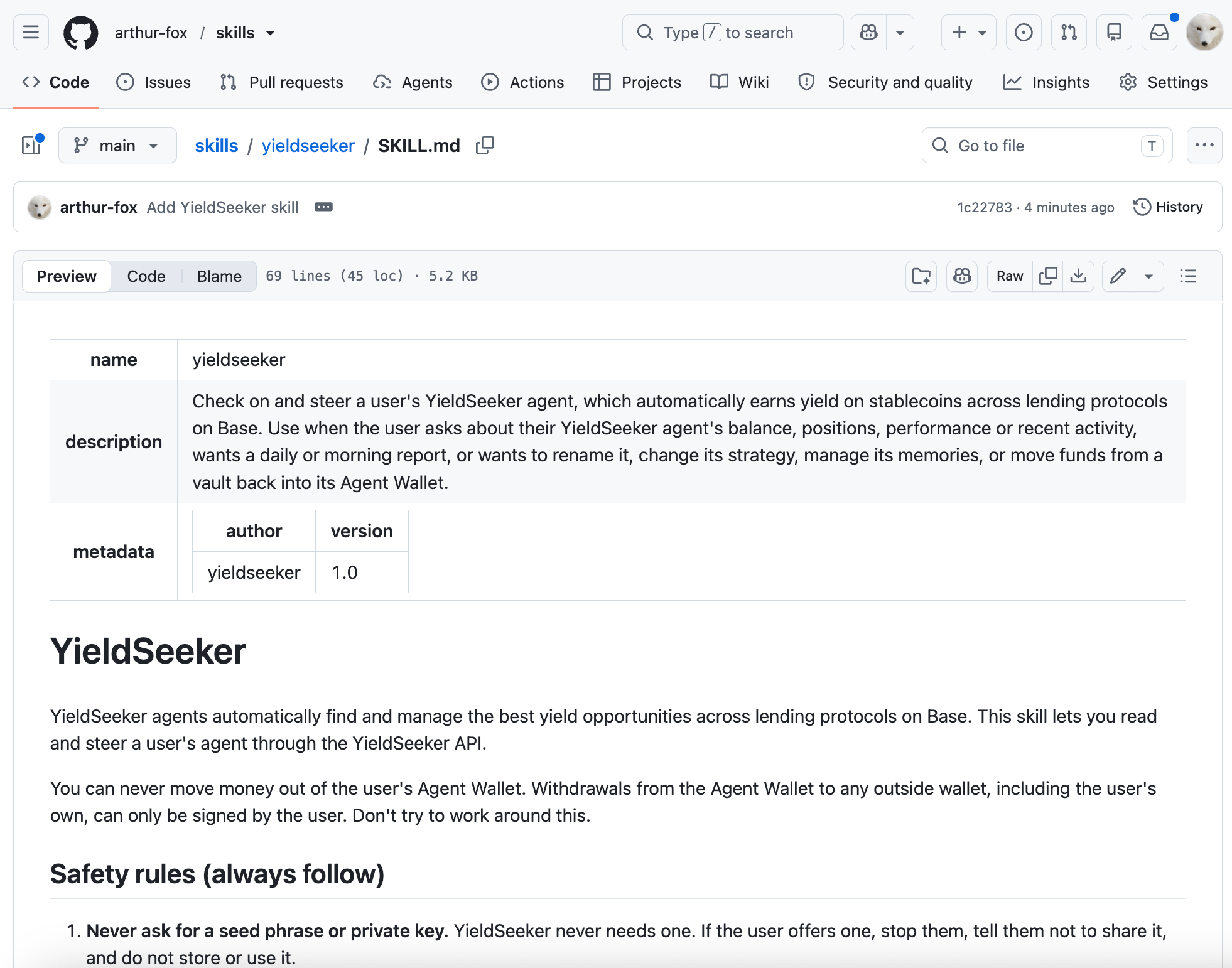
Note that if you’ve never used GitHub I covered the basics in the post below.

(3) Next I asked Grok Bot to install the skill from the GitHub link, and it did it by itself simply by me sharing the link - https://github.com/arthur-fox/skills/tree/main/yieldseeker!
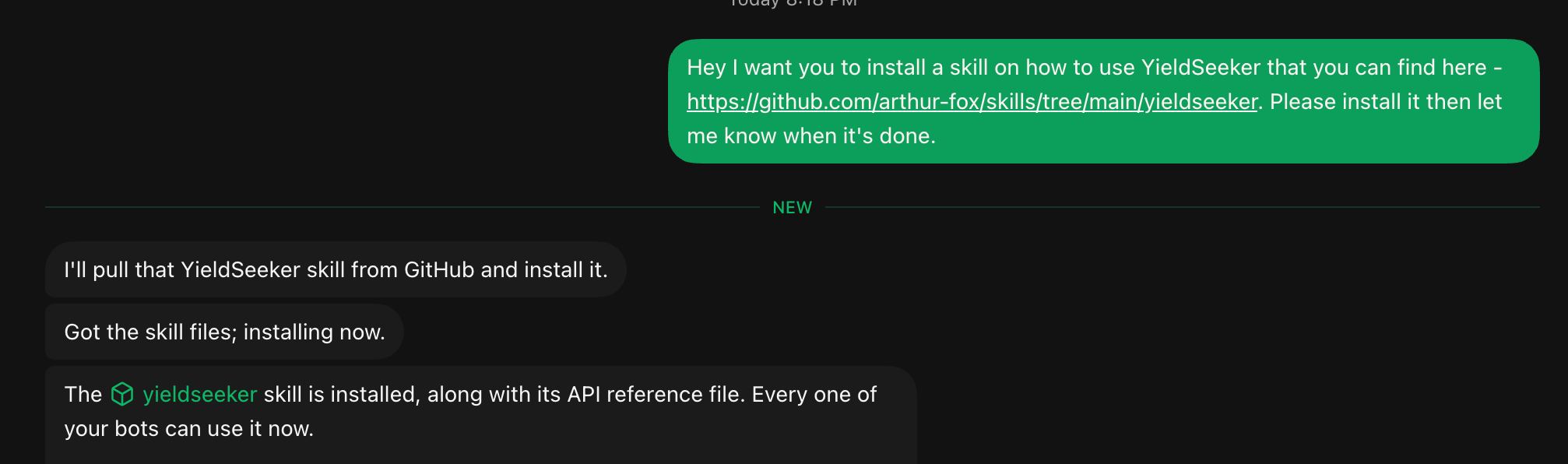
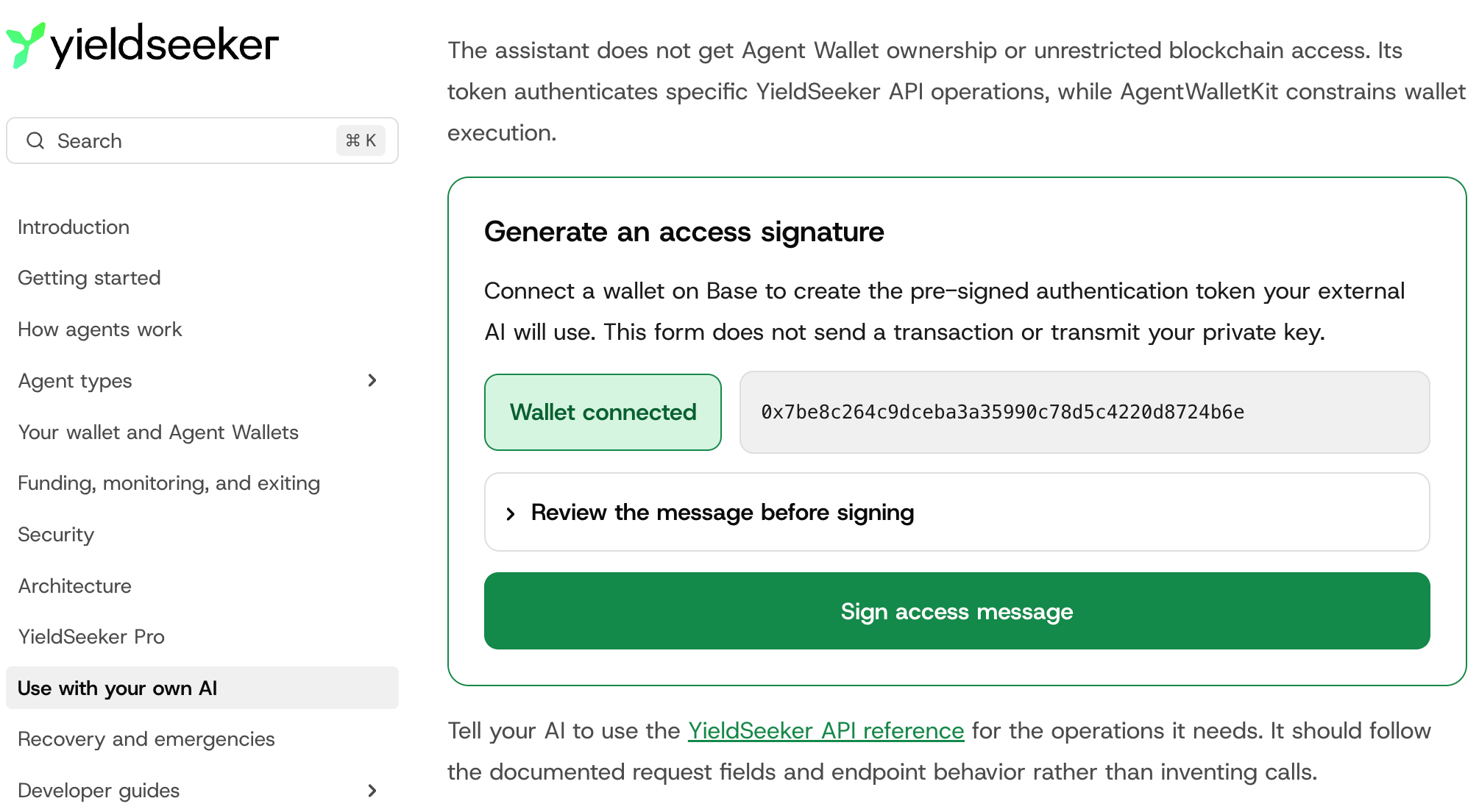
(4) To connect my YieldSeeker agent, I generated a signed access token on YieldSeeker’s docs page. Which you can do by connecting your wallet and signing the access message (this is just a signature that doesn’t send any transaction), and then giving the token generated to Grok Bot.
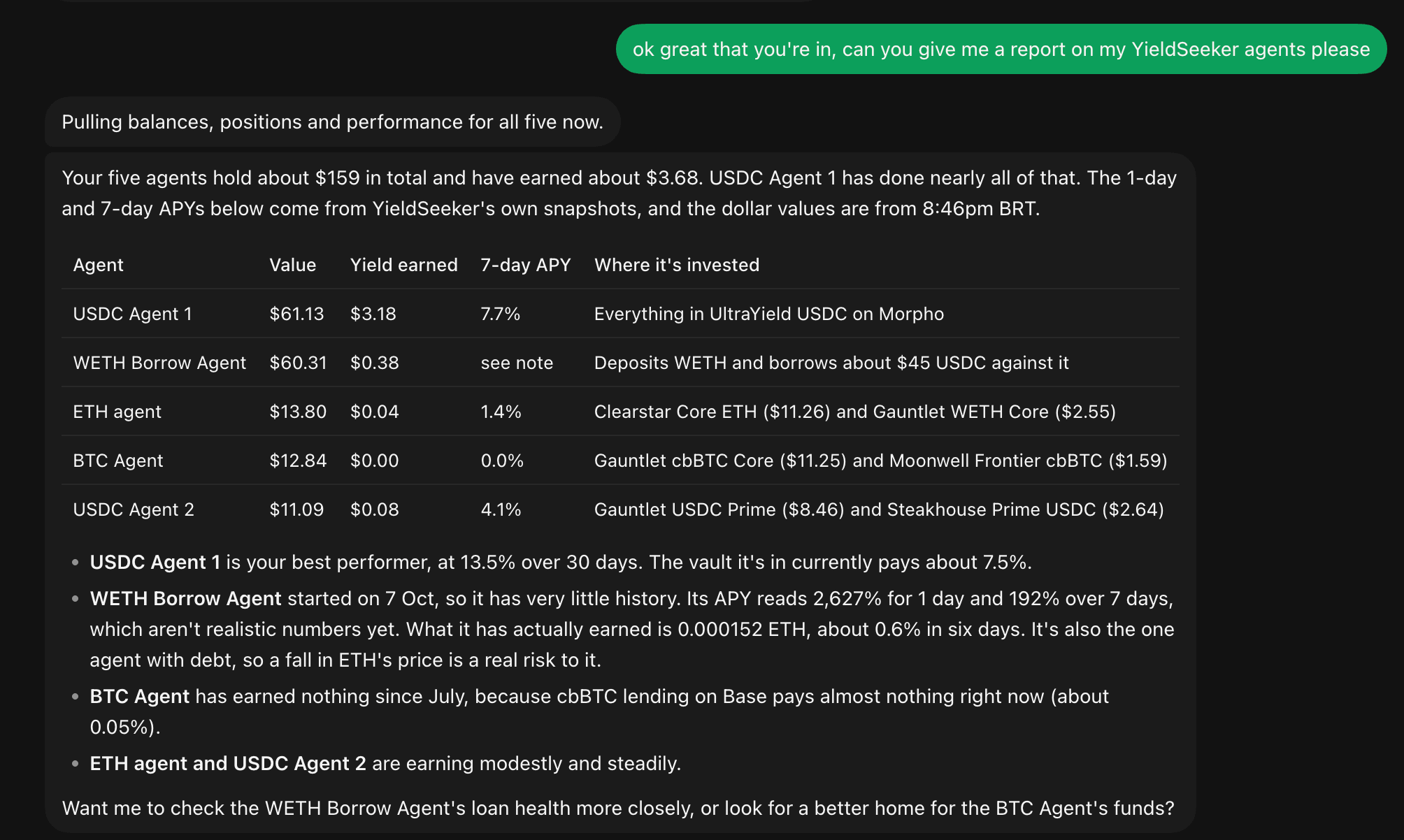
(5) Finally I asked it for a morning report on my YieldSeeker agents for this account, and got the output below!
That access token works like a password with permissions, so anyone holding it can make those API requests until it expires, which is after 30 days at most, so if you do this only give access to an agent you trust, and remember to never share your seed phrase or private key with any AI!
The same skill works with Hermes, OpenClaw or Claude Code too, so you’re not tied to Grok Bot, I just used it in this example.
New Tricks, New Risks
Because a skill is a set of instructions your agent will follow, a malicious skill is a way in for attackers.
In February, Koi Security, a security research firm, audited 2,857 skills on ClawHub, the skill marketplace for OpenClaw, and flagged 341 of them as malicious. Most of them tricked users into installing Atomic Stealer, malware that steals crypto wallet keys, exchange logins and browser passwords.
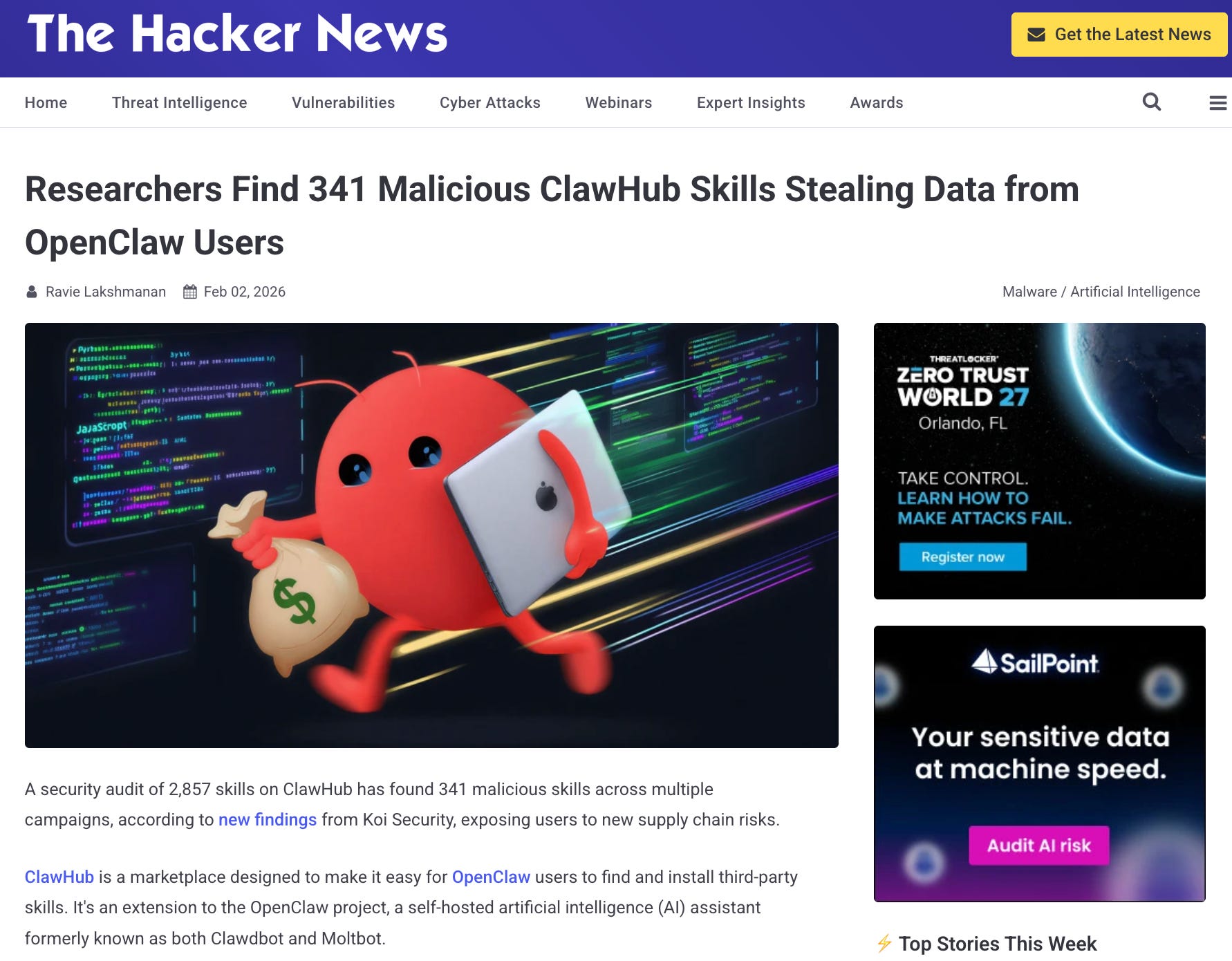
ClawHub added scanning afterwards, but researchers at cybersecurity company Palo Alto Networks still found malicious skills live there as late as May.
MCPs carry a similar risk, since a compromised server can quietly pass your data to someone else.
So install skills and connectors only from sources you trust, and as I said above, never give an AI your seed phrase.
A skill is mostly plain text, so unlike most software you can open it and read what it tells your agent to do, plus check any scripts that come with it before you install it. That makes it one of the easiest things in AI to check for yourself.
My take is that skills are the easiest way for someone who doesn’t code to properly customise an AI agent, and MCPs are what connect those agents to the real world. You could write a skill for anything you find yourself explaining over and over to your AI.
As the AI space evolves you can be certain that so will the definition and use of MCPs and Skills - we’re all still very early in this journey!

Whenever you’re ready, these are the main ways I can help you:
Want high crypto returns? Earn up to 14% APY with your own Yieldseeker agent!
Love Web3 & AI? Follow @afoxinweb3 on X for insights!
Entrepreneur using AI? Join our AI community to accelerate your results!