
TLDR:
Claude Cowork is Anthropic’s answer to OpenClaw, it’s a closed-source AI agent framework with skills and customisations that works directly on your computer.
Below you’ll see how you can use Cowork to make a simple presentation and accompanying resource with it.
With Claude Cowork these tasks took minimal effort with less than 1 hour of work, whereas without it could have taken 1 day and looked a lot worse.
AI agents are the next frontier of AI and they are rapidly evolving, so use these technologies to your advantage!
In the last few weeks I’ve shown how to use Claude Code both on Desktop and in the CLI, but there’s another product within the Claude ecosystem called Cowork that we hadn’t looked at yet, so I thought this week would be a good time to dive into it!
If this post resonates with you and you enjoy the content then please share it with a friend and get rewarded for doing so!

This blog goes out weekly to over 20,000 subscribers. Please message me if you’re interested in sponsorships or partnerships.
Claude Cowork
Anthropic’s Claude has become one of the most powerful and popular AI’s in recent times, in particular with enterprise users as I covered on my original post about Claude Code:

More recently Anthropic have been churning out new feature after new feature, and one of their subproduct’s that’s been evolving the fastest is the lesser known Claude Cowork.
While Claude’s “Chat” is the LLM prompting product we’ve been used to for the past 2+ years since ChatGPT came out, and their “Code” product is Claude directly within your computer’s filesystem, their “Cowork” product hasn’t been as clearly defined for most people.
Anthropic themselves explain Cowork as bringing “Code’s agentic capabilities to your desktop”, which doesn’t make the explanation any easier to understand.
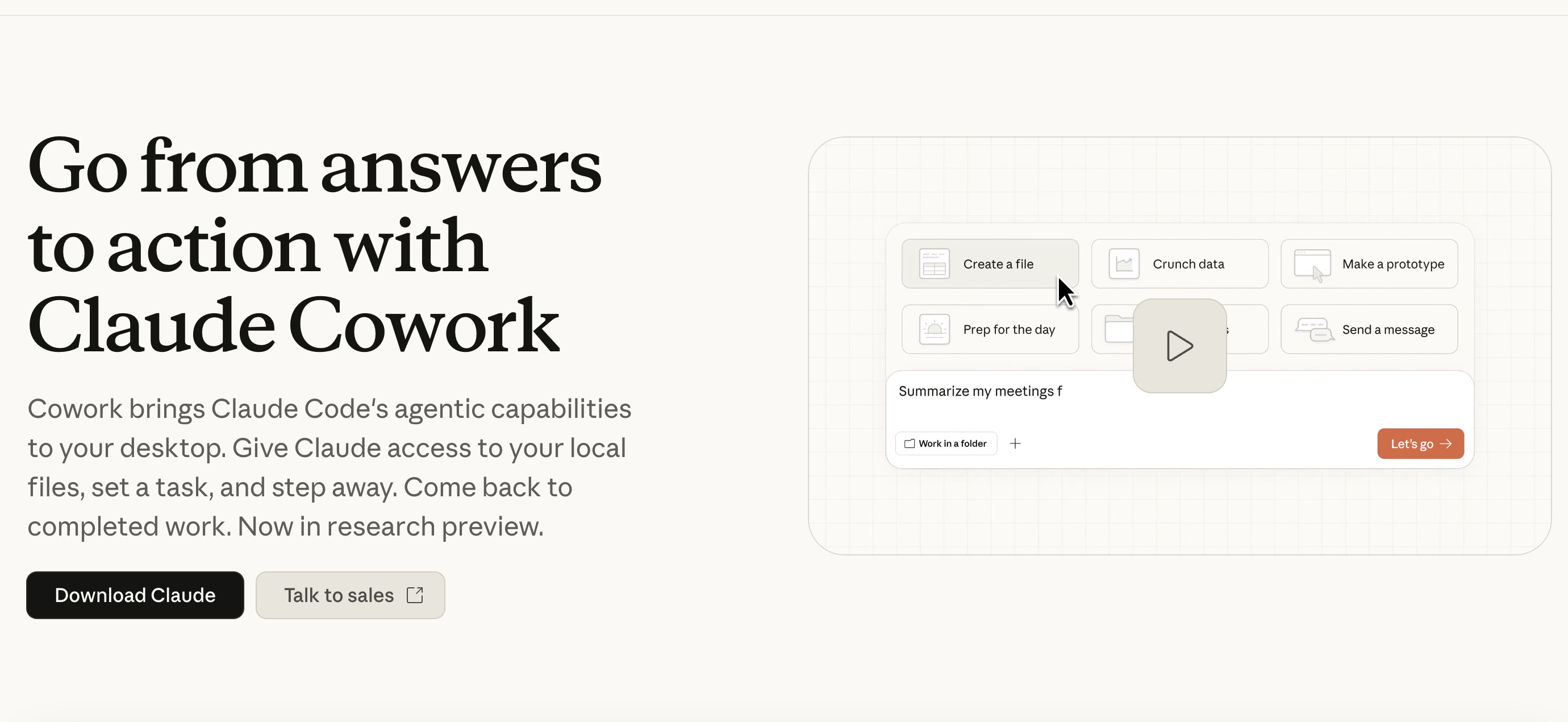
My personal take though after having used it is that it represents something similar to OpenClaw, giving you your own AI agent of sorts that works alongside you to solve problems from within your computer. If you haven’t yet read my post on OpenClaw then you can read it here.

The big difference between OpenClaw and Cowork is the open-source nature of the former. Open source software is highly extensible as anyone can build on it, but it’s also usually way more awkward to use. Cowork is by comparison more limited and gated but also much easier to get started with out of the box.
If you’re still unclear of the sort of things that Cowork is built for then check out this video from Anthropic where they announced it.
The video clearly shows that Cowork is very powerful, and if you follow below I’ll give you an example of what it’s capable of as I use it to create a presentation on Claude Code for beginners!
Let’s make a presentation
To get started with Cowork you’ll need to have downloaded the Claude Desktop app and subscribed at least to the Pro version, you can do this from here - claude.com/product/cowork.
With the desktop app installed you’ll find Cowork as the middle tab out of the 3 shown at the top: Chat, Cowork and Code.
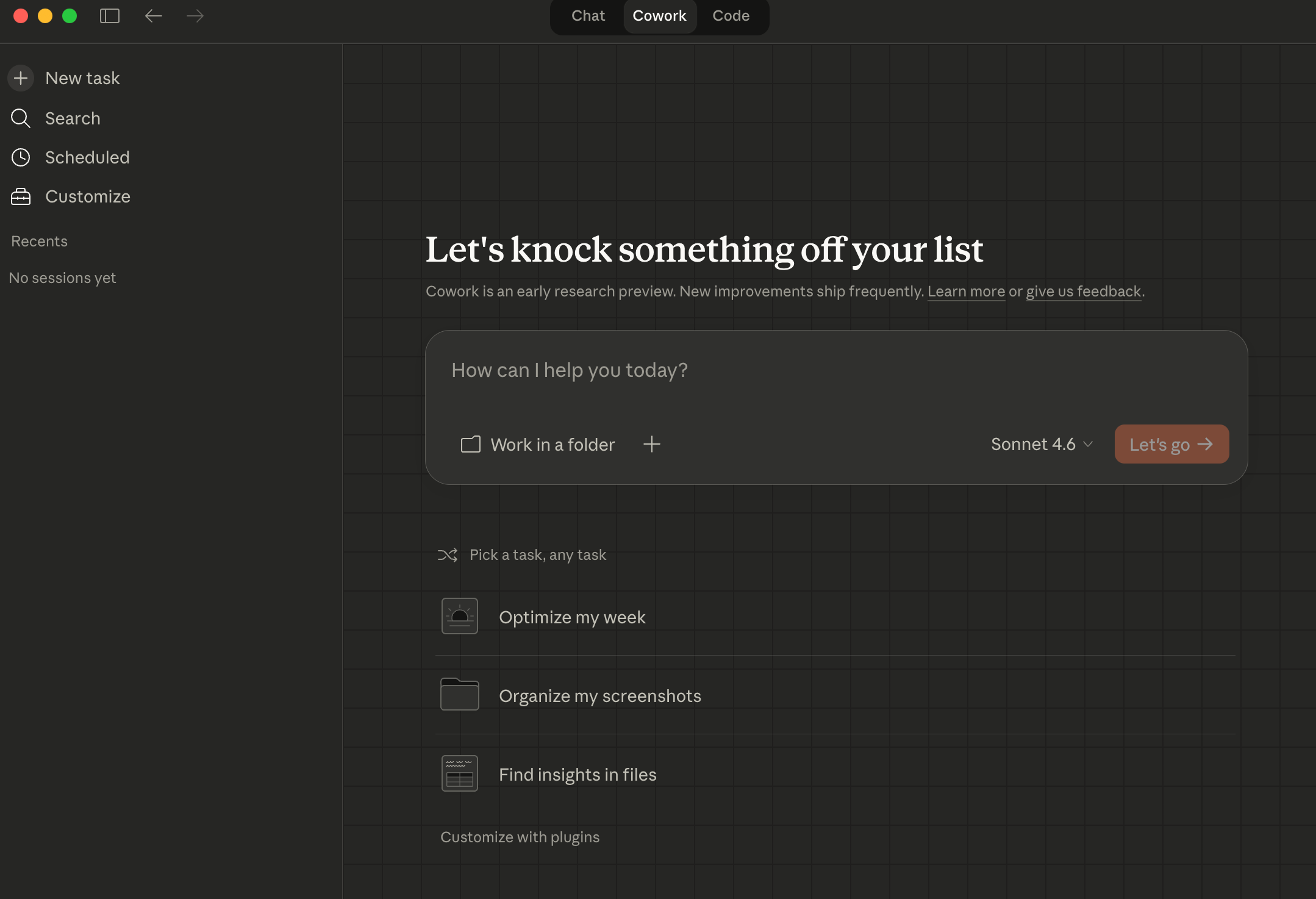
I’ve been using the Sonnet 4.6 model a lot recently because it’s less expensive and burns through less tokens than their frontier model Opus 4.6 and is still very smart, but you can choose the model you prefer here.
Plus I created a specific folder for Claude to work in called “Claude”, and recommend you do the same, you can see both of those choices under the prompt box.

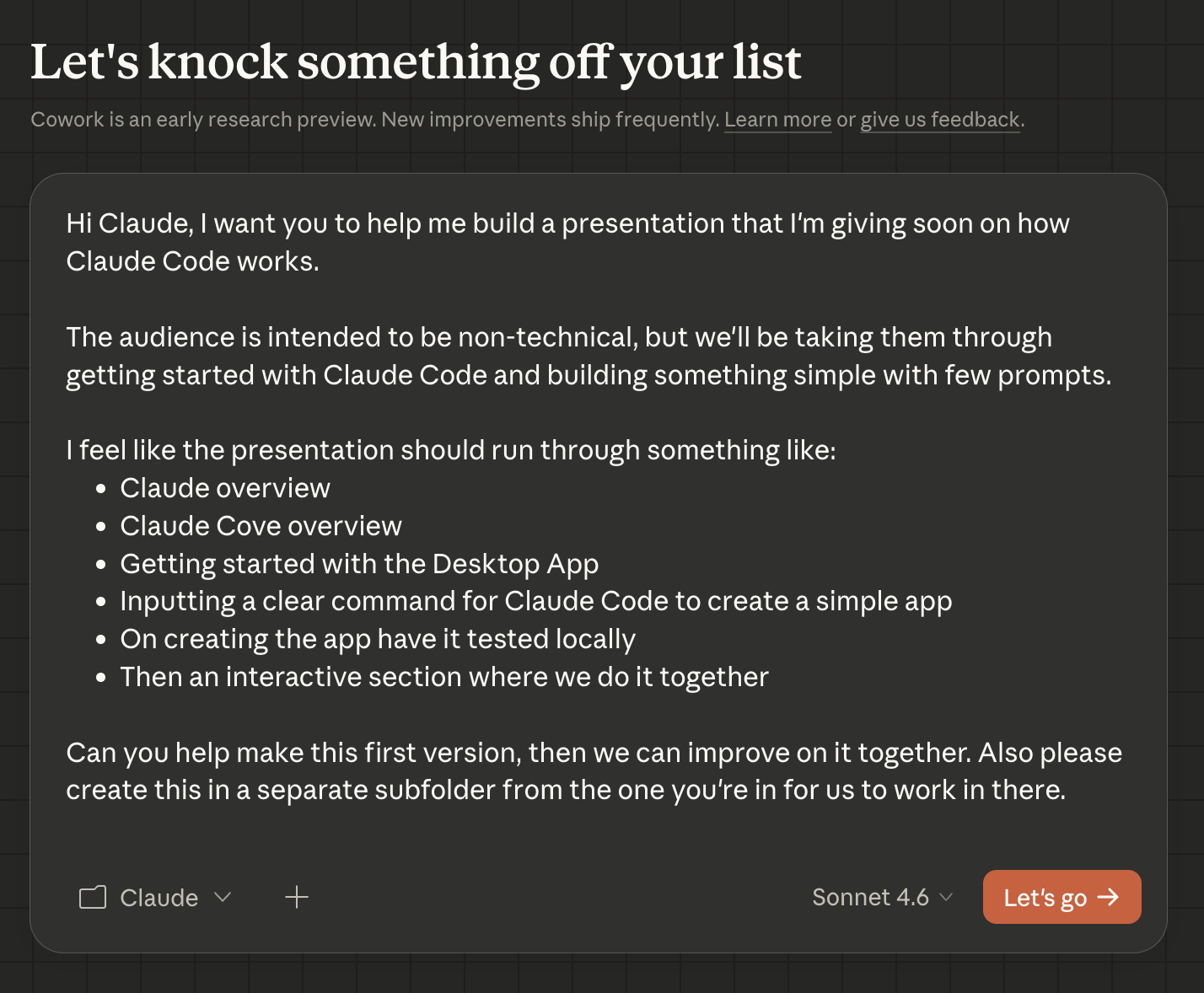
As I said above the goal today is to make a presentation about how to use Claude Code for beginners and I’m going to get Cowork to help me out here.
So let’s start by explaining the stated goal and audience to Claude Cowork and letting it get to work:
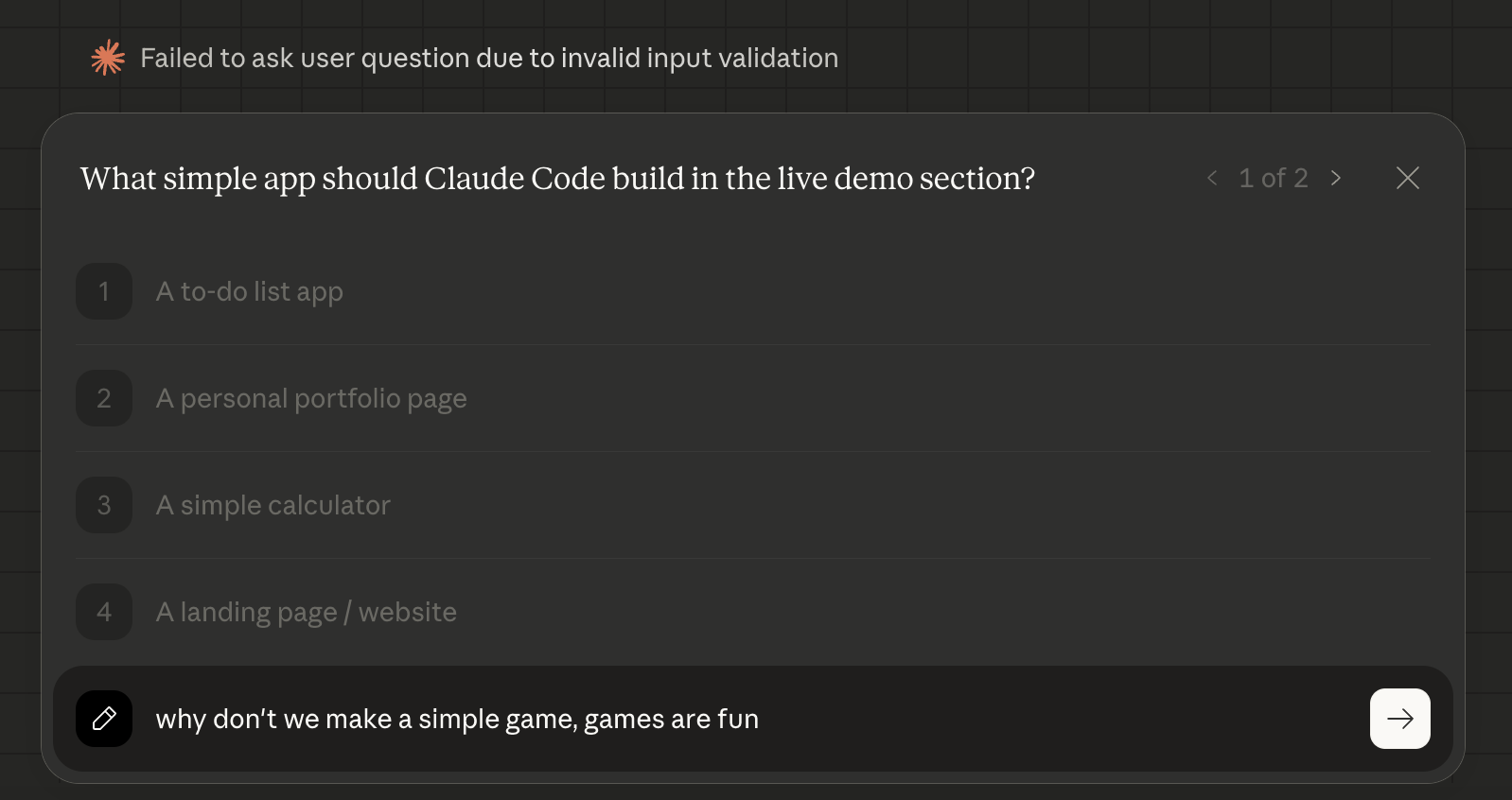
Since I wasn’t explicit on the type of app we wanted it to create, it came back to ask me “what simple app should Claude Code build in the live demo”, and I decided we could make a simple game because games are fun as demos.
It also asked me about the visual style and I went with the simplest option. Then Cowork got started and began reading the PPT Skill so that it would know how to create its own Powerpoint presentation.
On the right-hand side of the screen you can see the check-list it creates for itself along with files and instructions, plus any skills it needs to learn to be able to do its work.
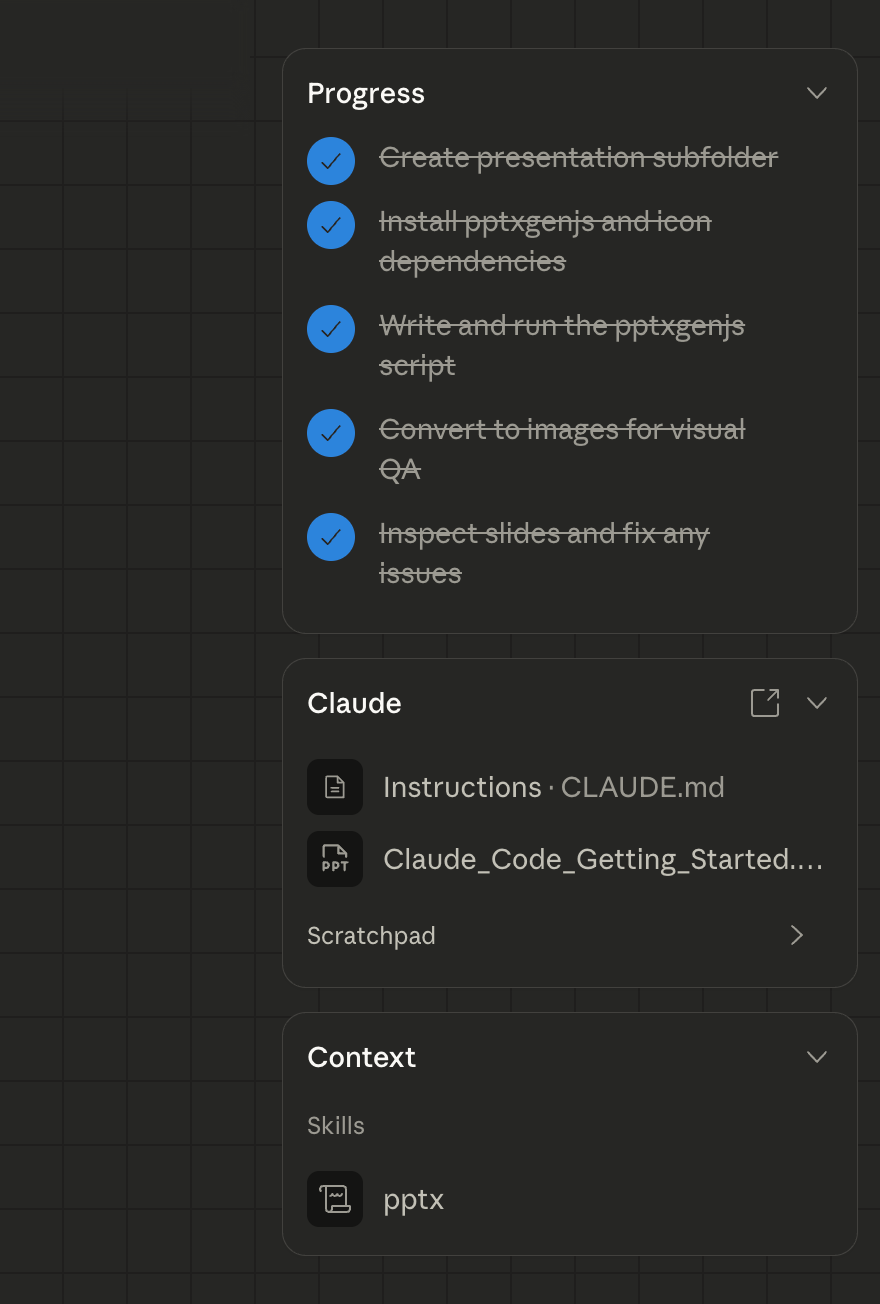
And in less than 10 minutes Cowork had created a presentation called “Claude-code-presentation” in the Claude folder on my computer with 10 slides that looked like a great outline of what I wanted!
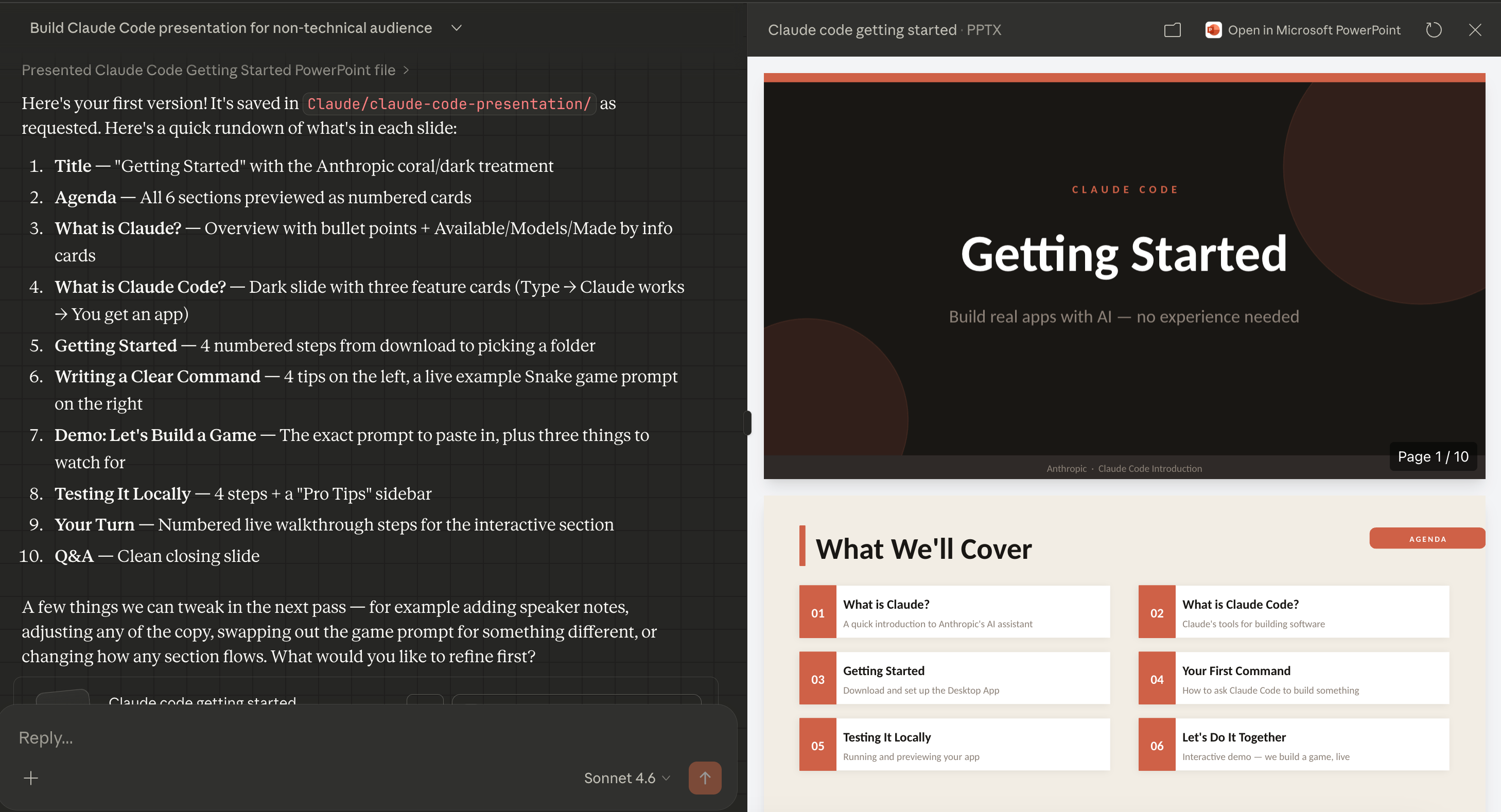
The presentation was really great as it had pretty much everything I wanted - all of this from just a single prompt!
Refining the presentation
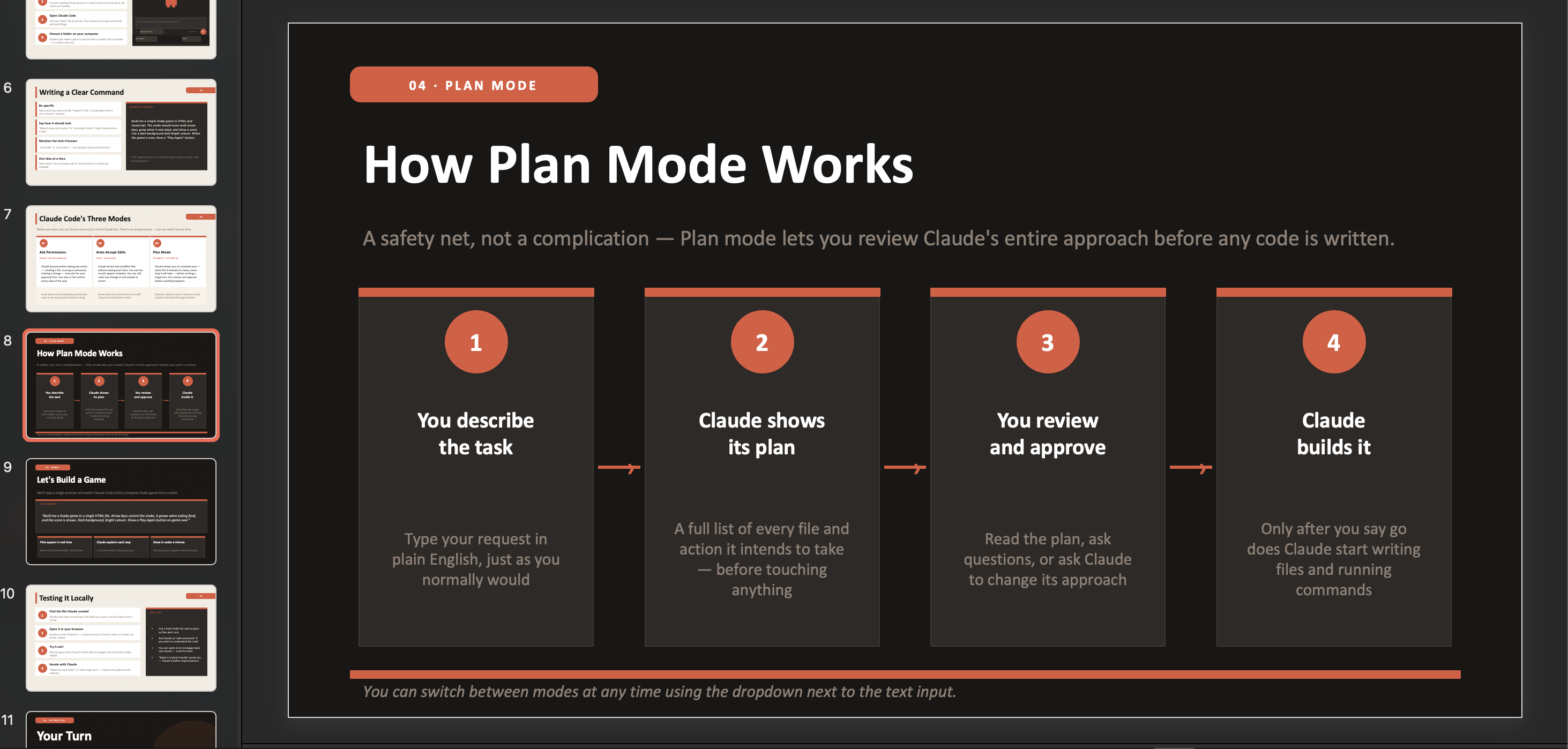
I had very little I needed to change, however I did feel like the presentation lacked an explanation on how to use the Claude Code’s “plan” feature, which is quite an important element of how it works. So I decided to ask Cowork to add that in.
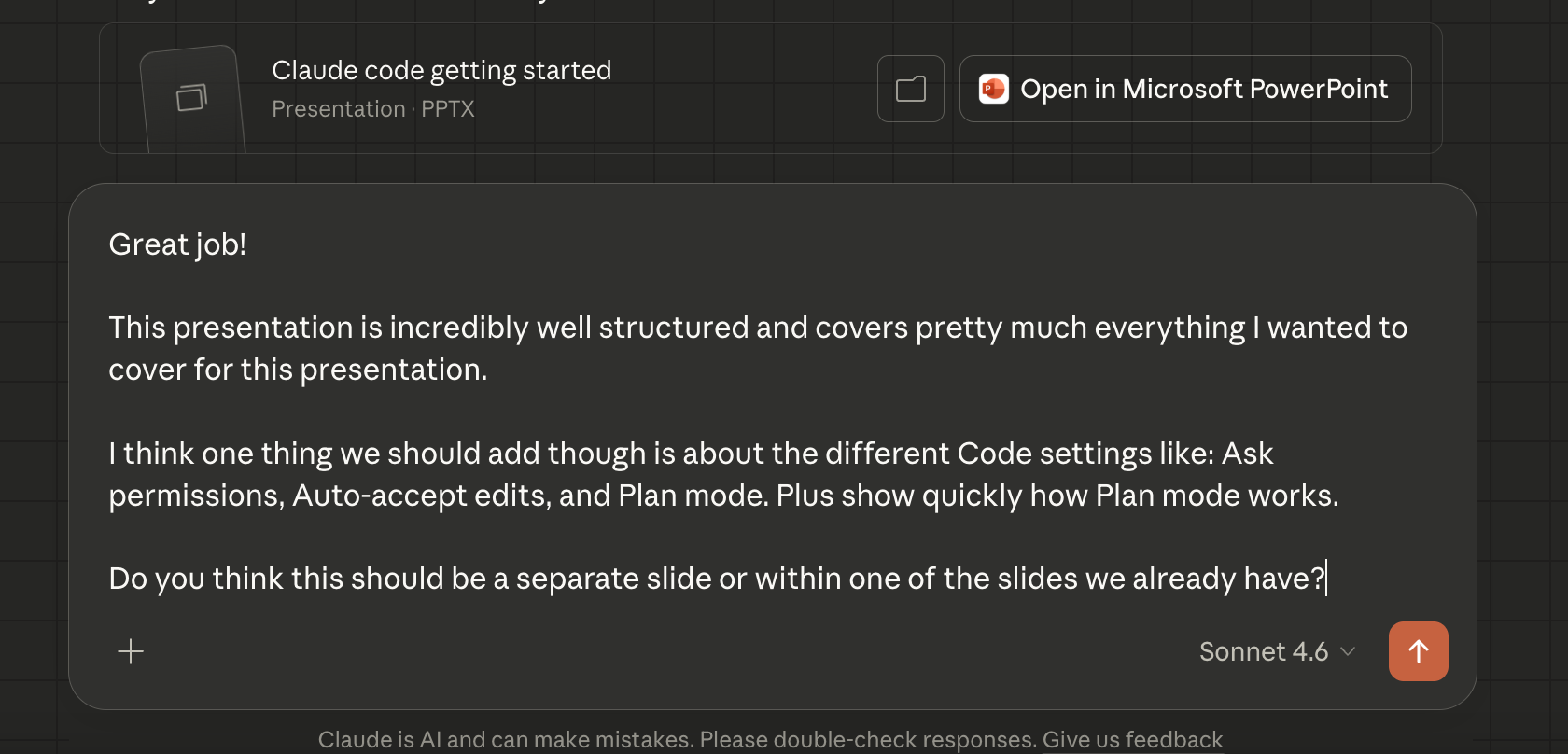
As you can see above I asked Claude Cowork a question to get its opinion, much like I would with a coworker, and it came back with a compelling argument about having two new slides, to which I replied with a couple more questions.
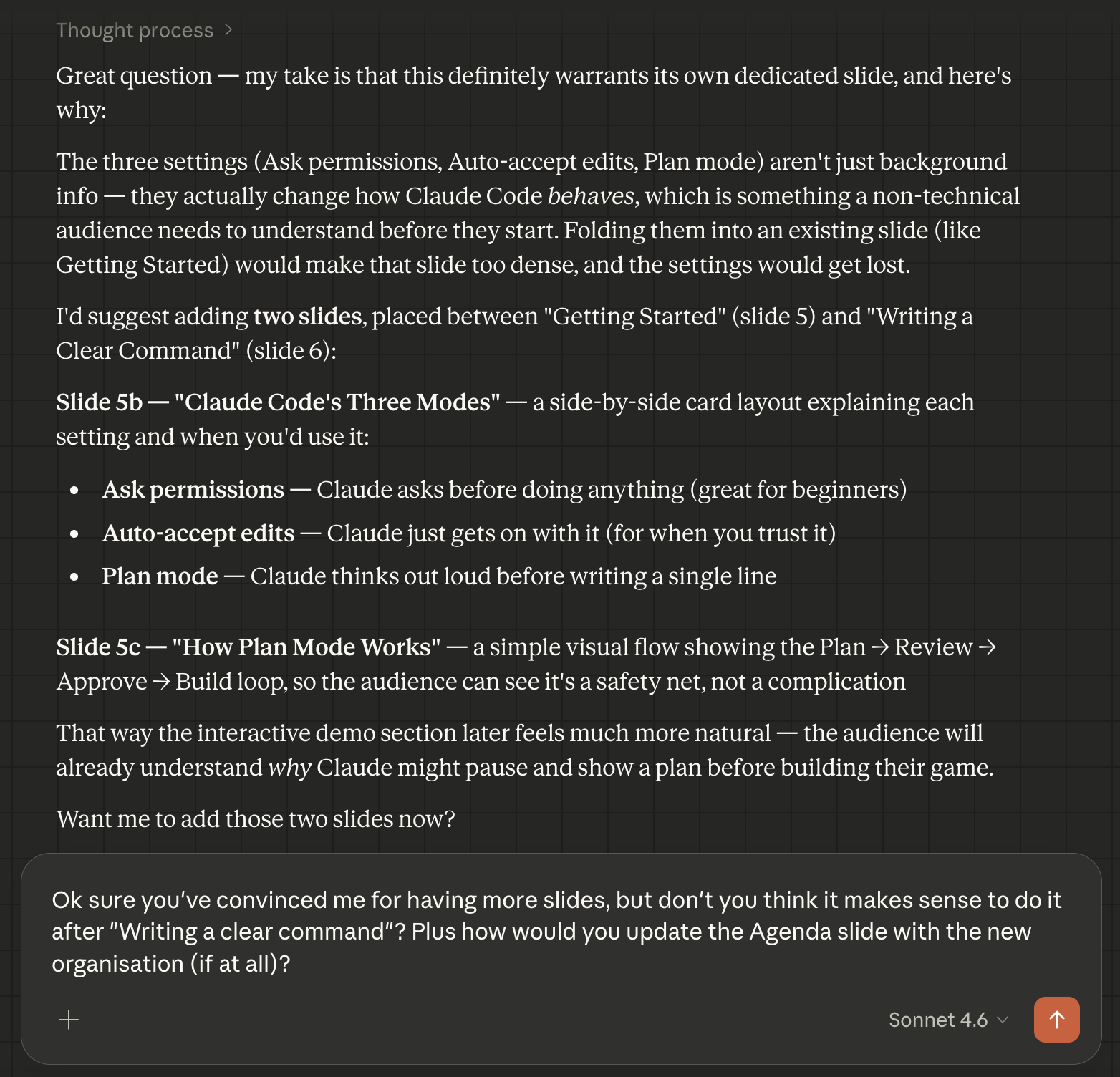
After a little bit of back and forth with Claude we agreed on making these changes by adding these two new slides and in another 3 minutes or so it had done all the work.
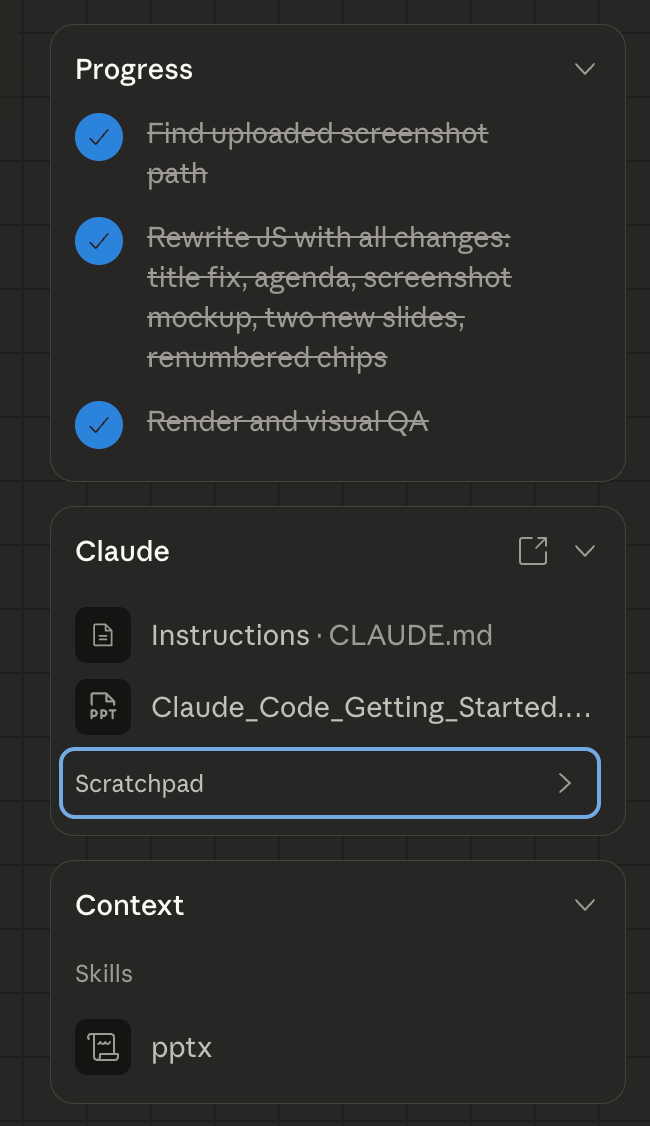
On the right-hand side of Cluade Cowork you can see once again how it broke down the work into tasks and updated them.
Now let’s do one final thing!
Creating a resource
As a final task I also wanted to make an accompanying 1-page resource that I’d be able to provide people who weren’t able to watch the entire presentation, so I asked Cowork to help me on this.

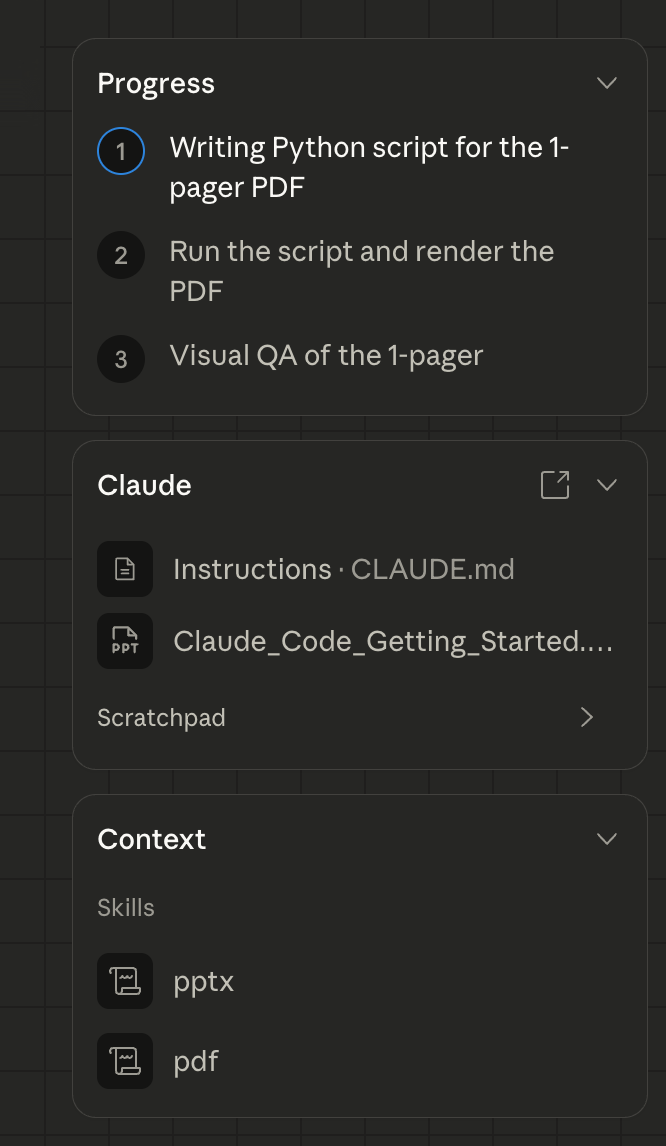
I got Cowork doing its thing and in the process it learned a new skill for making PDF’s, and once again built out a new task list for itself.
Then within another 5 minutes it was done and it made a great PDF, with the sort of output I wanted as shown below.
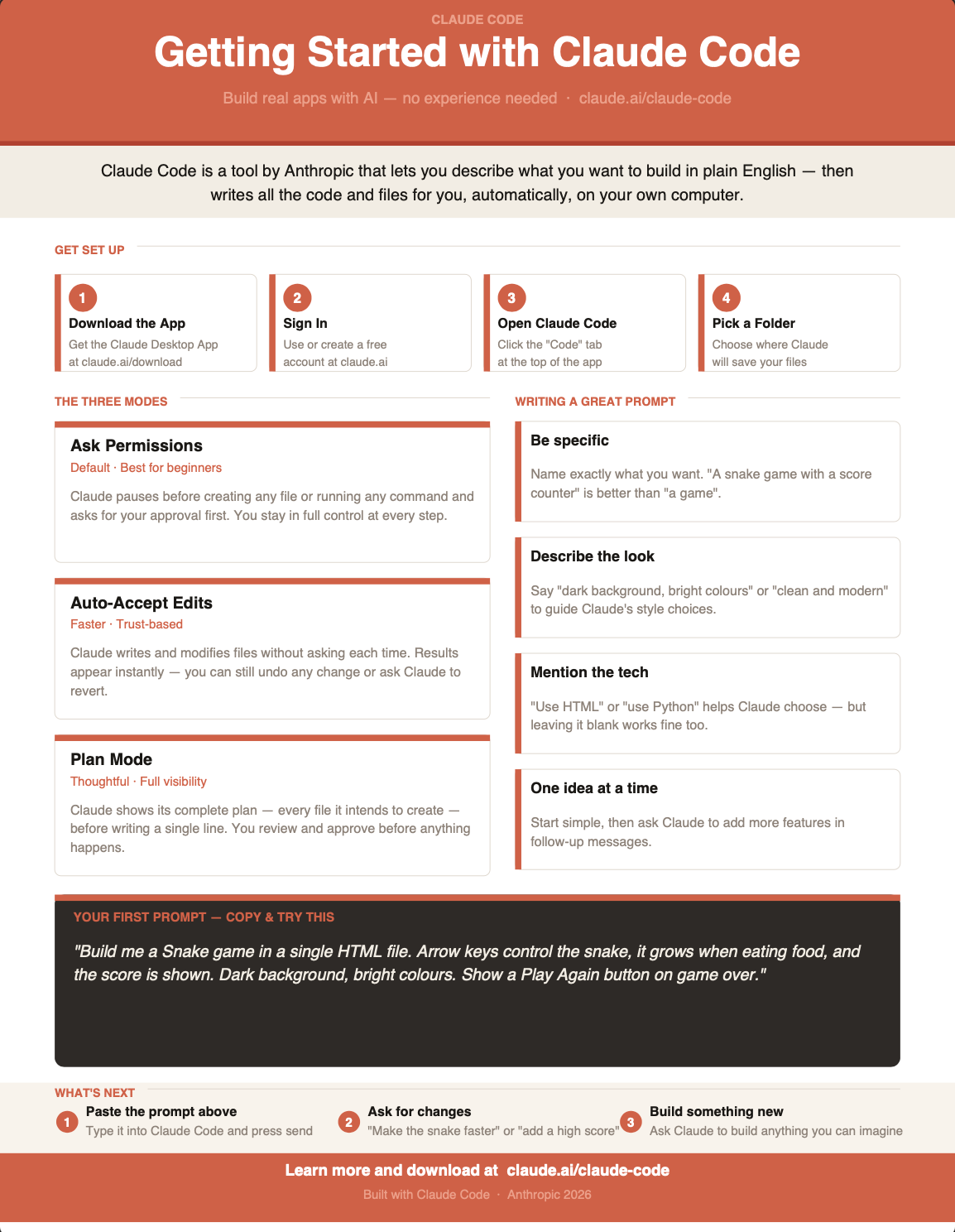
The PDF had a very clear explanation of the main features of Claude Code and ended on a single prompt that people can copy and paste for themselves to make a fun little Snake game.
AI Agents are rising
You’ve now seen how powerful Claude Cowork is and we’ve only scratched the surface here because we didn’t use the even look at all of its customisation options.
With Claude Cowork you can also connect up tools, create new skills, and check out plugins that have been made by others online. We could have for example connected up our Google Drive, had it learn how our team works through a select set of skills, and got it to begin building on its own.
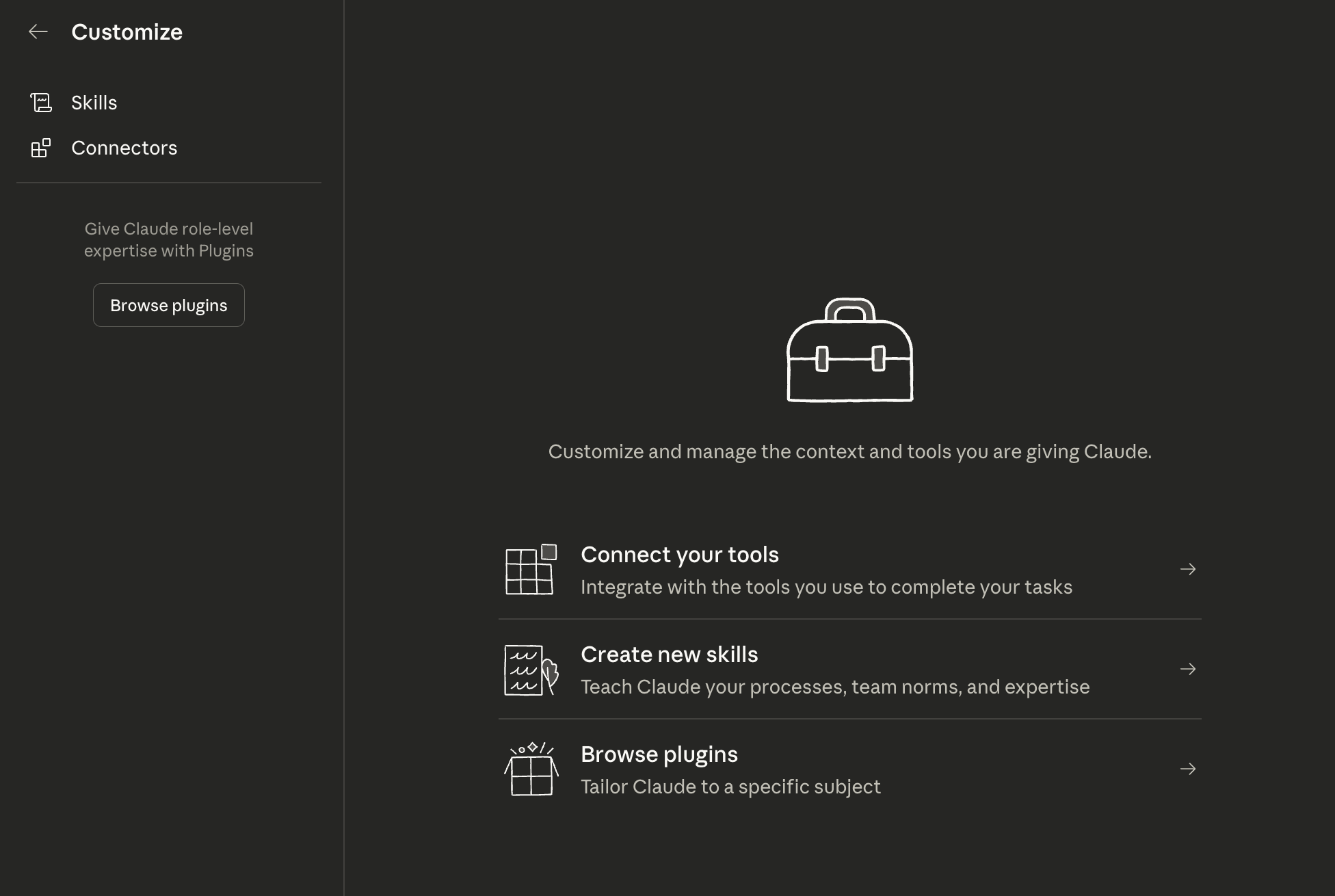
We won’t get into all these features for now though, perhaps in a future post we can look at them.
What’s most impressive is that all of this work above took less than 1 hour, while if I’d wanted to make it on my own it would have probably taken at least 1 day, and it would have been visually a lot less attractive than what Claude created.
It’s incredibly clear that these tools make people a lot more productive and agentic AI is a game changer. I believe in this so much that I’m personally building yieldseeker.xyz with a cofounder, as a platform that gives users their own AI agent focused on DeFi.
There’s clearly a rapid evolution happening with AI, learning how to use tools like Claude Cowork will position you well to make most of these technologies and stay ahead of the curve!

Whenever you’re ready, these are the main ways I can help you:
Want high returns? Earn up to 14% APY with Yieldseeker!
Love Web3 & AI insights? Follow @afoxinweb3 on X!
New to crypto? Join our beginners community to master crypto fast!
Building a Web3 app? Get our expert product development support!